Abandoning a Case
Use the Abandon Case dialog to change the status of a case to Abandoned and remove it from the active case list.
| 1. | From the Service Center List View, select Abandon Case from the toolbar. The Abandon Case Dialog opens: |
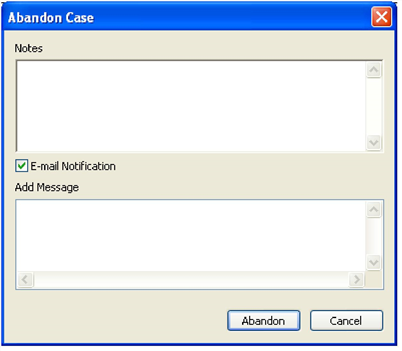
| 2. | In the Notes field, enter information about the abandoned case. |
| 3. | To notify other users of the abandoned case via e-mail, check the E-mail Notification box and type your message into the Add Message box. |
| 4. | When finished, click Abandon. |
