Accessing the Ivanti Integration Web Service
To access the Neurons for ITSM integration web service -
•For cloud: https://<Tenant Name>/ServiceAPI/FRSHEATIntegration.asmx.
•For on-premise: http://<Tenant Name>/HEAT/ServiceAPI/FRSHEATIntegration.asmx
Ivanti strongly recommends using the secure protocol HTTPS instead of HTTP within the Neurons for ITSM platform to ensure data security and integrity.
Replace Tenant Name with the host name of your tenant.
Tenant name refers to the login URL. The login URL can be found in Config DB under tenants.
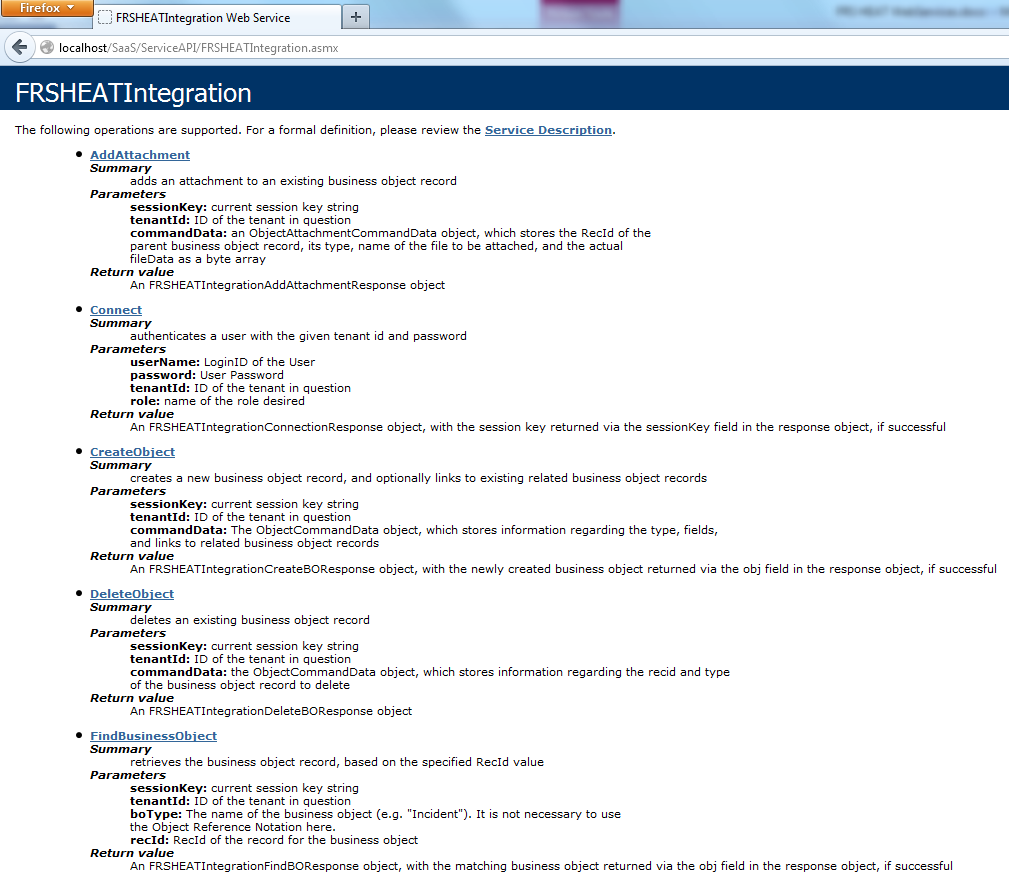
The application displays information about the available web methods.
Ivanti Integration Web Service
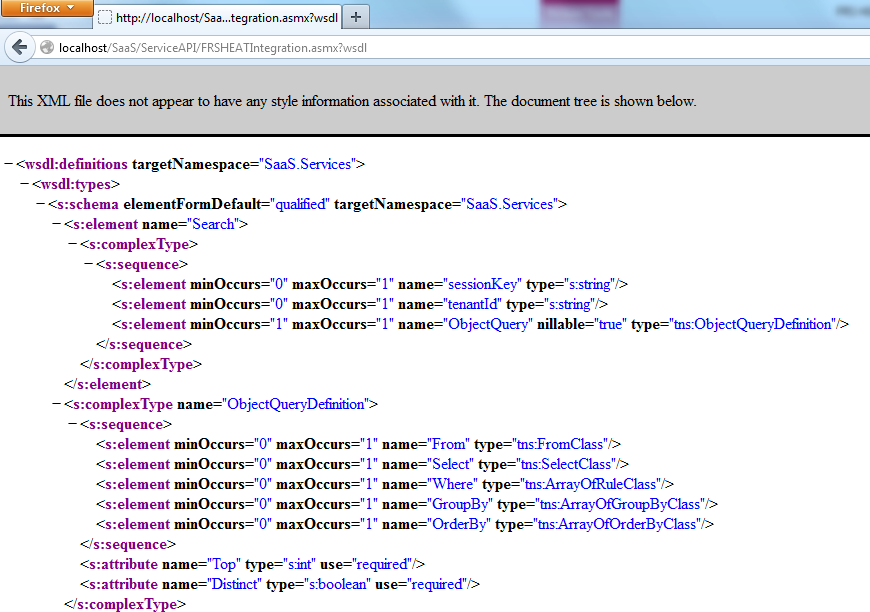
Access the corresponding web services description language (WSDL) file by adding ?wsdl to the end of the URL. For example, enter https://Tenant_Name/ServiceAPI/FRSHEATIntegration.asmx?wsdl.
Ivanti Integration Web Service WSDL Page
For on-premise Ivanti strongly recommends using the secure protocol HTTPS instead of HTTP within the Neurons for ITSMNeurons for ITSM platform to ensure data security and integrity.