Announcements
The Announcements module is not available OOTB. This workspace appears only if your administrator has configured it for your role.
The Announcements workspace allows you to view the latest messages and alerts, such as downtime notices, maintenance schedules, upgrade notifications, virus threats, and other bulletin-type communications shared across your organization.
You can view announcements. Only Administrator can create or edit them.
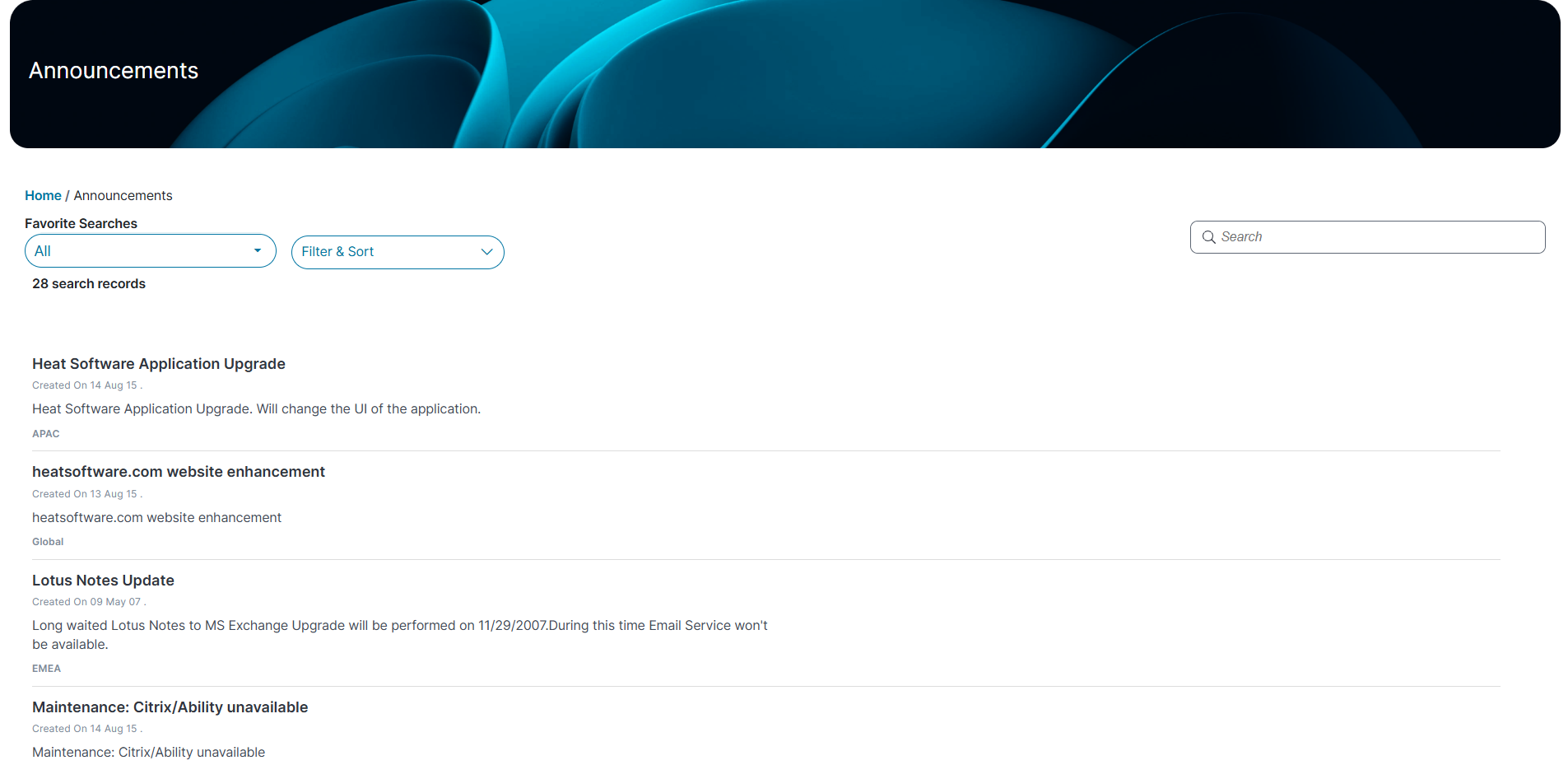
 Viewing Announcements
1.Log in to Neurons for ITSM.
2.From the left menu, select Announcements.
The list of Announcements are displayed.
3.Click an Announcements to view the following information:
•Description
•Urgency
•Region
•Created By
•Effective Date
•Expiration Date
•Created On
Search for an Announcements
1.In the Announcements workspace, go to the Search text field, enter a keyword related to the Announcements.
2.Press Enter.
The workspace displays Announcements matching your keyword.
Filter and Sort Announcements
1.In the Announcements workspace, click Filter & Sort from the dropdown list.
2.Choose one of the following sort orders:
•Ascending
•Descending
3.Choose a field to sort by:
•Subject
•Urgency
•Created Date Time
•Description
•Region
4.Click Apply to sort the list.
5.To remove sorting, click Reset All.
Use Favorite Search filter
This feature is available only if your administrator has enabled it.
1.In the Announcements workspace, click All from the dropdown list.
2.Choose a specific announcement, such as Urgent Announcements, HR Announcements, or Published Announcements, to filter the list.
The workspace display based on your selection.