Installing the Central Management Point
When you are finished entering the configuration settings, the installation of the Central Management Point is started. Therefore the external program MPInstallUpdate.exe will be started. The installation takes a few minutes.
You don't have to wait until the installation via MPInstallUpdate.exe has been completed before closing the installation wizard.
Checking the Management Point Components
When the installation is finished, the system automatically checks the status of the components installed on the Management Point.
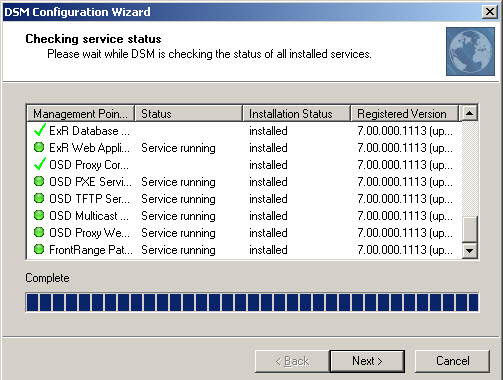
Please check carefully if all the Management Point components are correctly installed. The Management Components displaying a green sign must show the status ’Service running’. Click ’Next’.
As soon as this process is finished successfully, the following wizard page informs you that the Central Management Point has been configured completely.