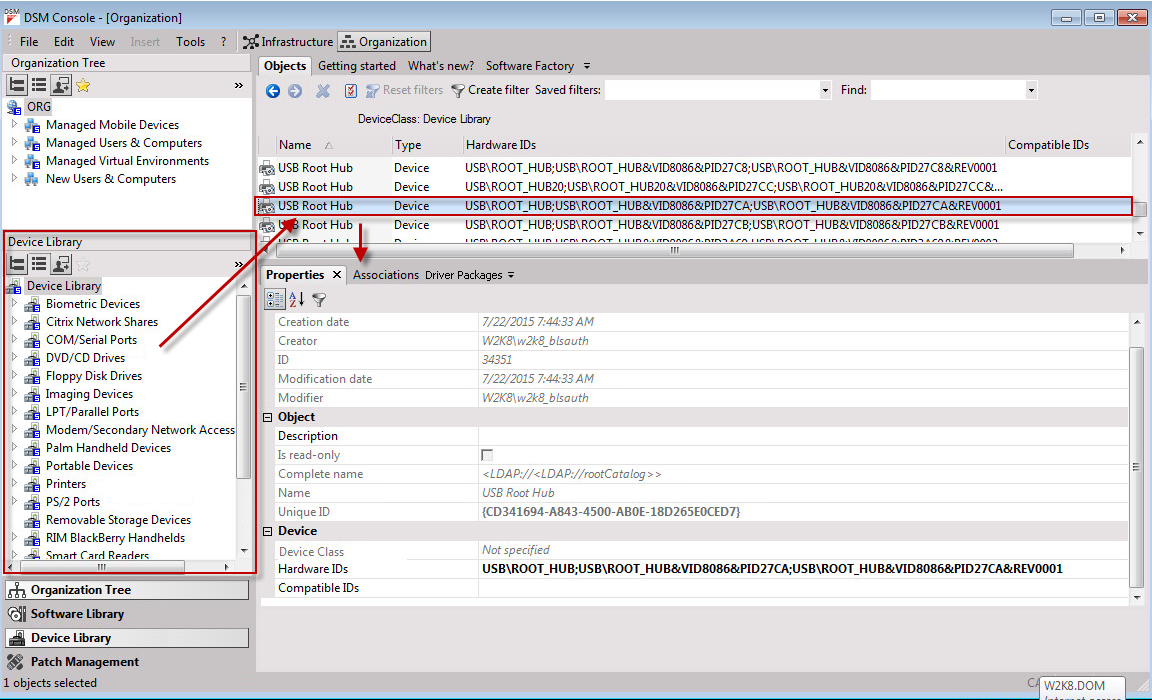
Using the Device Library
How to use the Device Library:
- Open the Device Library in the Organization view.
The role Open: Device Library must be assigned to be able to view and edit the Device Library.
If required, enable the Device Library in the View menu.The Device Library containing all of the device classes is displayed.
The associated devices are displayed in the Object window. - Select Device Library, one of the device classes or one of the devices contained in the library and run one of the following tasks.
The following tasks are available:- Properties
The internal properties of the selected object are displayed.
Additional properties can be found on the Properties tab. You can change the name and description of devices here. - Rename (for devices only)
- Export object list
- Properties
If you select one of the objects in the Device Library, you can see the corresponding properties, associations, and driver packages in the Detail window: