Maintaining Software in the Software Shop
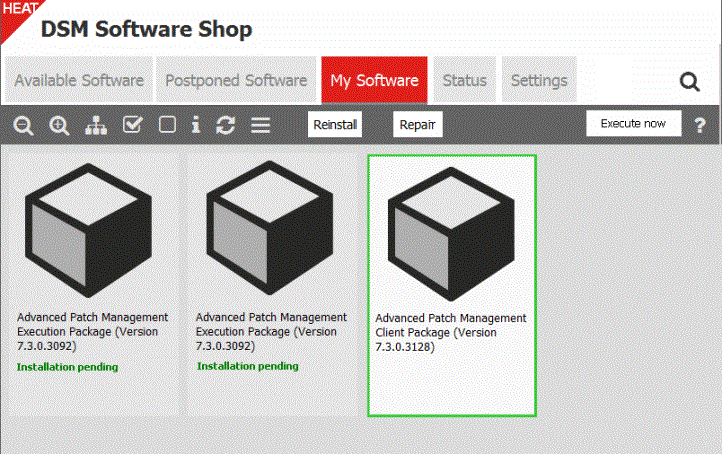
You can run software maintenance for software that is already installed on the Software Shop's My Software tab.
To do so, it is essential that ...
- ... the computer is connected to the network or the packages are available offline
- ... these packages are assigned via shop policy
- ... the resp. user/computer is specified as installation target
- ... further package prerequisites allow an installation
By clicking on the corresponding part of the illustration, you can display in detail the function of the different buttons and areas in the Software Shop dialog:
If you are the DSM administrator, you can uninstall or repair shopped software directly in the DSMC.
Simply search for the respective Shop policy or the policy instance for the computer and run the respective task, for example Uninstall.