Multilingual Service Catalogue
If you create multilingual versions of the configuration items that are in your Service Catalogue, then users see items in the Service Catalogue in their own language. The same item, published to users with different cultures, appears in the appropriate language for the current user.
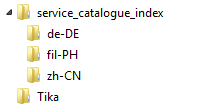
When you have added translations to configuration items and rebuilt the Service Catalogue database using the Knowledge Management Administration component in Console, a separate Service Catalogue search index for each language is built. The index for the default language is in the service_catalog_index folder at the location specified in Configuration Centre (for example, ProgramData\LANDesk\ServiceDesk\servicedesk.Framework\service_catalog_index). Each language you have added translations for has its own index in a subfolder named after its language code (for example, the Simplified Chinese index is in service_catalog_index\zh-CN).
After importing translations for services, you need to use the Rebuild Service Catalogue action in the Knowledge Management Administration component of Console to update the search collections.
For information about adding translations, see Adding translations. For information about rebuilding collections, see the Service Catalogue Guide.
After you have added translations to the configuration items that appear in your Service Catalogue and rebuilt the search indexes, users will see the same items in their Service Catalogue, but with the text appearing in their own language.
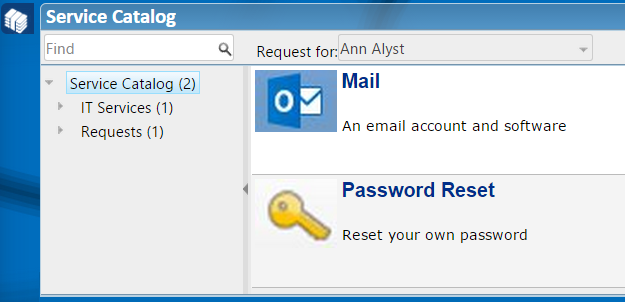
For example, English users see an English Service Catalogue.
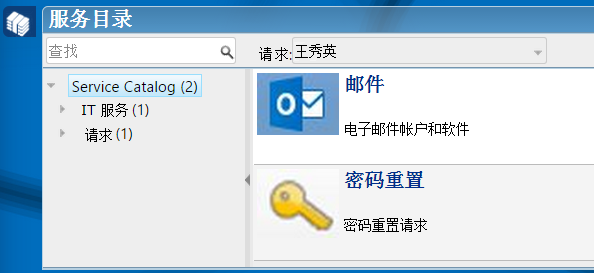
A Chinese user with the same groups and roles would see the same items in their Service Catalogue, but in Chinese.