Locate
iOS devices use cell towers to locate the device. This feature is not supported on Mac OS devices.
Most registered phones can be located on a map using cell tower IDs. When locating a device via cell tower IDs, Mobile@Work records tower data until the next time data is synchronized between Mobile@Work and Core Core. See “Sync policies” in Getting Started with Core for information on changing the Sync Interval setting. Using the Force Device Check-in in the Admin Portal or in Mobile@Work will result in immediate synchronization.
Required role
The Privacy Control: Locate device role is required to use this feature.
Procedure
- Go to Device & Users > Devices.
- Select the check box for the device.
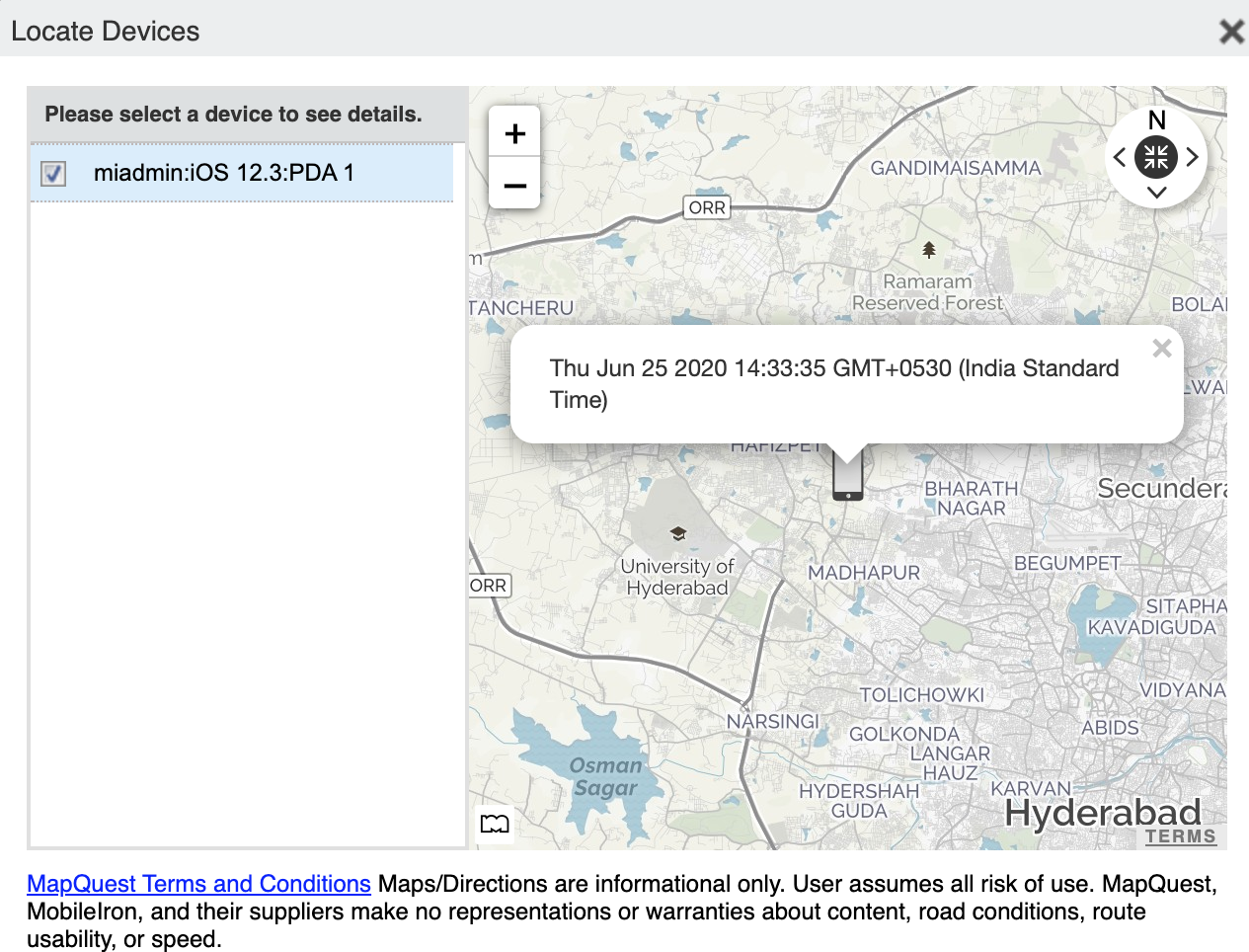
- Click Actions > Actions > Locate.
-
Click the phone icon on the map to display the date and time stamp of the last known location of the phone.