Configuring ICS
Once you have configured the certificate trust model, a certificate is issued by the CA server used in the configuration. You need to upload this certificate to the Trusted Client store.
To upload the certificate, do the following:
-
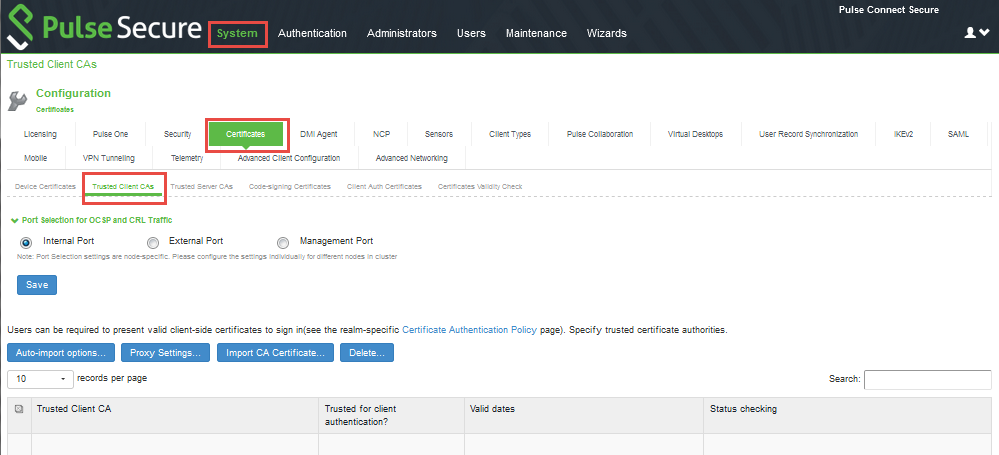
In the PCS admin console, select the System menu, and then select Configuration > Certificates > Trusted Client CA.
-
Click Import CA Certificate.
-
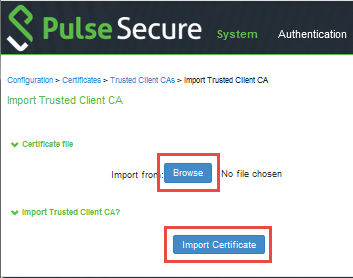
Under Certificate file section, click Browse and locate your CA client certificate file.
-
Under Import Trusted Client CA section, click Import Certificate.
-
While importing the certificate, ensure that the CRL checks are enabled.
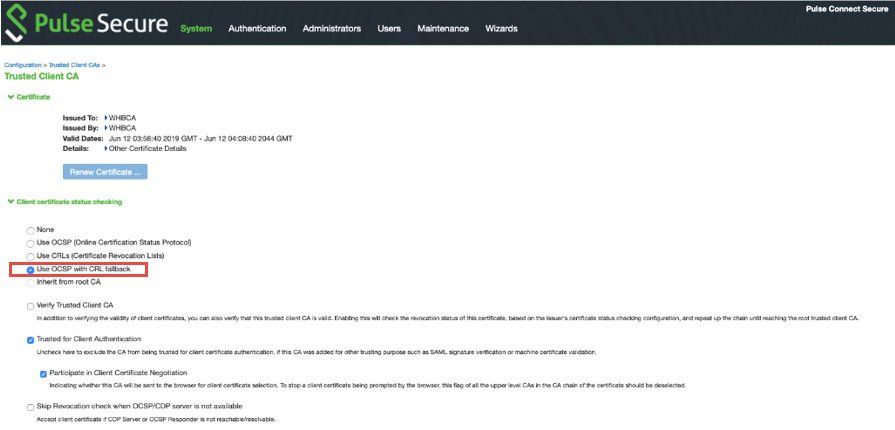
The CA client certificate is added to the list of Trusted Client CAs.
-
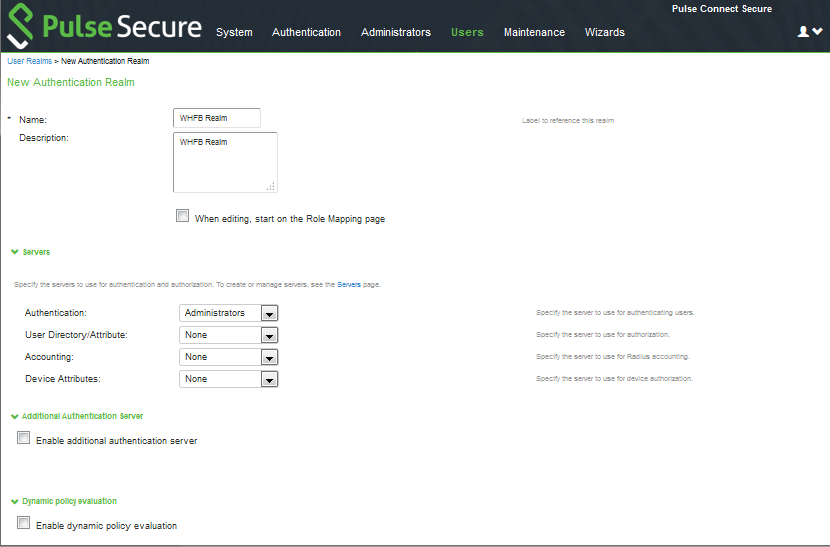
Now, create a cert auth realm for WHFB by navigating to Users > User Realms > New User Realm.