Troubleshooting and FAQs
Troubleshooting Ivanti Secure Access Client (ISAC) on Android often involves addressing connection issues, particularly with Zero Trust Access (ZTA) and Classic VPN modes, or issues related to Single Sign-On (SSO) and compliance checks. Common problems include ISAC crashing during ZTA connections, DNS resolution failures upon recovery, and inability to connect automatically after SAML-based disconnects. Additionally, users may encounter issues with certificate errors, particularly when using older ISAC versions with newer Connect Secure servers.
1. Some Android Mobile Users May Be Unable to Connect to VPN After Upgrading to ISAC 22.5r1 Version.1.1
The end user connection fails with the Error- "login failed"
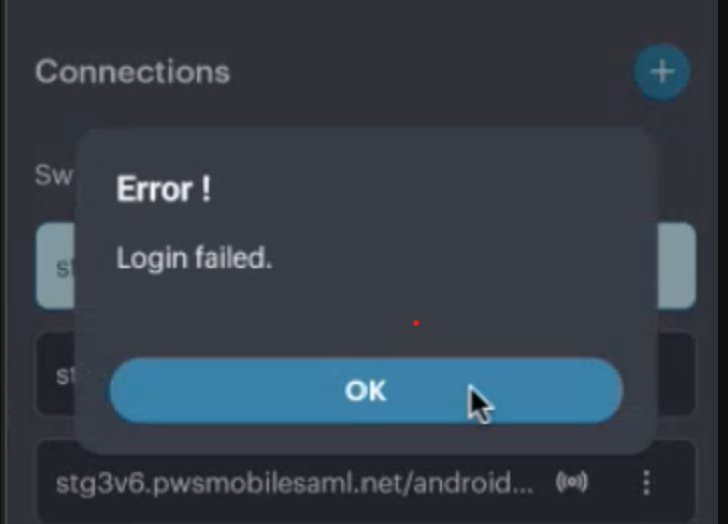
From 22.5.1 ISAC for Android Access via IP address is restricted if the IP information is not part of Subject Alternative names (SAN) of the Device (Server) Certificate.
1. We recommend using FQDN as opposed to IP Addresses to fix the issue and also as part of security best practices.
2. Add the IP address as part of the certificate's Subject Alternative Name (SAN).