Load-Balancing a Ivanti Connect Secure Service
This chapter describes how to configure the Virtual Traffic Manager to load-balance VPN connections to a Ivanti Connect Secure (ICS) service. It also describes how to configure the Virtual Traffic Manager to provide optimal gateway selection and dynamic failover when deploying multiple geographically-located PCS clusters.
Overview of a PCS Load Balancing Configuration
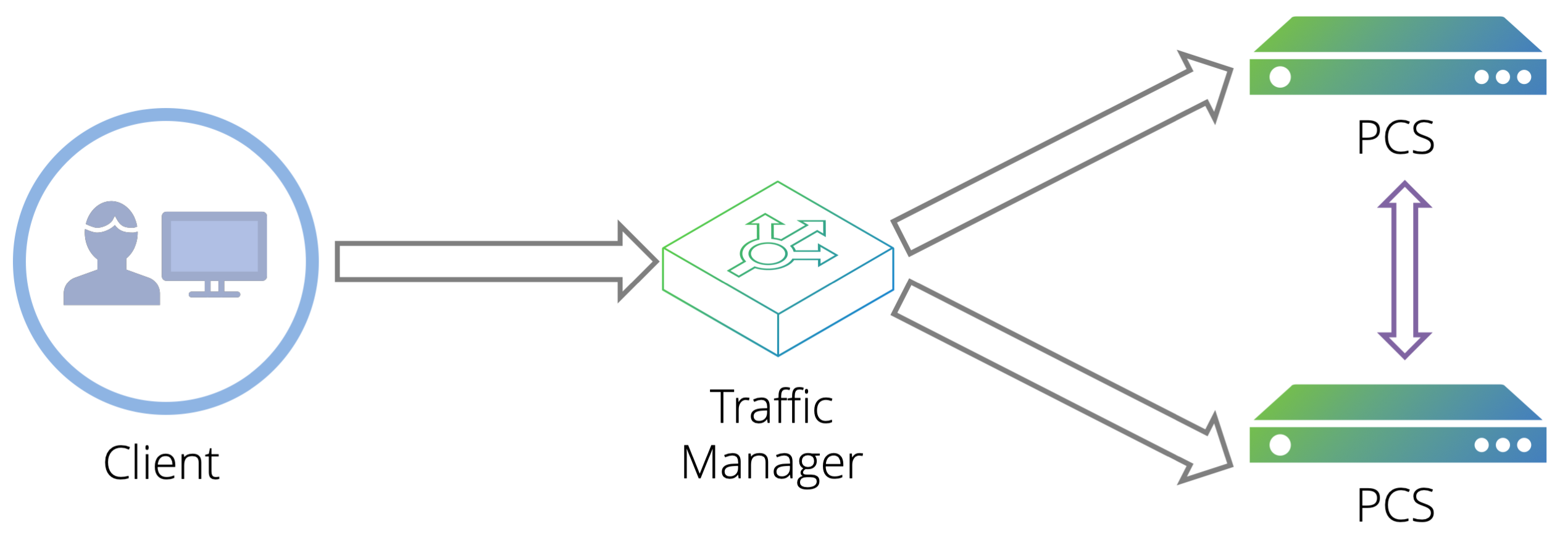
You can configure the Virtual Traffic Manager to distribute incoming user VPN sessions across a set of ICS instances. The Virtual Traffic Manager additionally monitors the health of your ICS instances, and provides load-balancing and failover functionality across your ICS deployment.
To simplify operation, the Virtual Traffic Manager provides a wizard -“Load-balance Ivanti Connect Secure”- that automatically creates Virtual Traffic Manager service configuration based on the details that you provide.
ATTENTION
The wizard does not perform any configuration outside of the Virtual Traffic Manager. Before running the wizard, make sure you have a fully-configured set of ICS instances. These instances might be clustered in an active/active configuration, or might share configuration through some other means. For more information, see the Ivanti Connect Secure documentation available from the Ivanti website (www.ivanti.com).
To use the wizard, make sure you have the following information:
•An identifying name for the new service.
•A previously-created Traffic IP group containing all IP addresses that the new service should listen on.
•The UDP port number you want the Virtual Traffic Manager to use (where ESP mode is configured on your PCS instances).
Images and references in this guide assume the default value of 4500.
•The hostnames or IP addresses of your ICS instances.
In addition, decide whether you want the Virtual Traffic Manager to perform the following functions:
•Redirect HTTP requests to HTTPS.
•Use IP transparency.
Before you run the wizard, make sure you do not have any existing services using port 443 or the selected UDP port on the Traffic IP addresses you want to use.