This is not the latest version of Ivanti Workspace Control documentation.View available documentation.
Export Relay Servers Overview to CSV file
To export the information found under the Relay Servers tab as a CSV file, follow these steps:
-
Open the Workspace Control Console and navigate to Administration > Relay Servers > Relay Servers tab.
-
Populate the overview with the list of configured Relay Servers using one of the following methods:
-
Press F5.
-
Select the Search button.
-
Right-click in the right-side pane and select Refresh from the context-menu
-
-
Export the Relay Servers overview to a CSV file using one of the following methods:
-
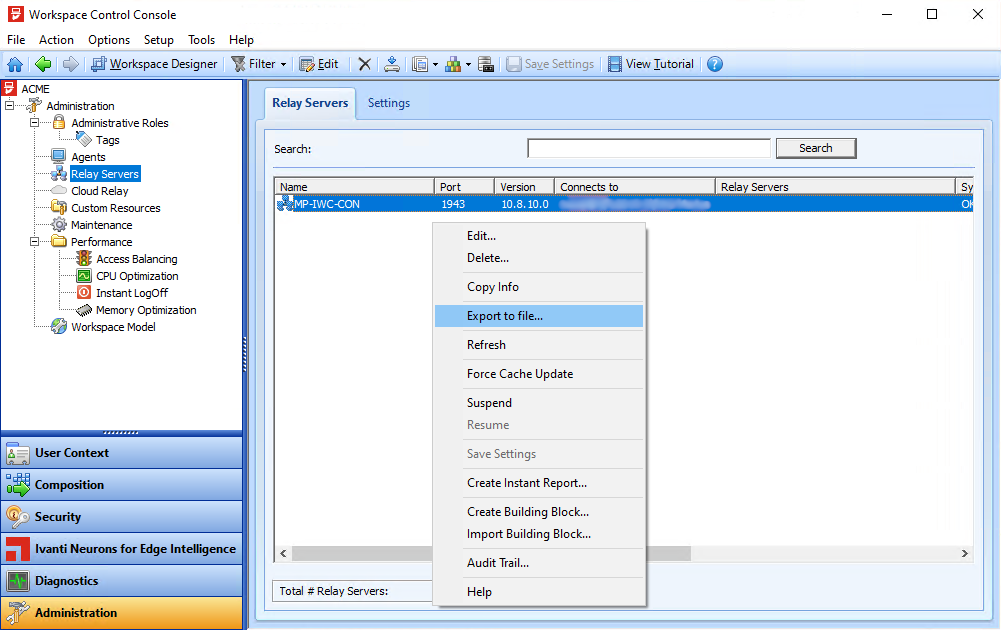
Right-click in the right-side pane and select Export to file from the context-menu.
-
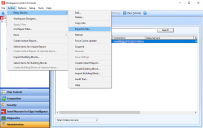
From the main menu, select Action > Relay Servers > Export to file.
-
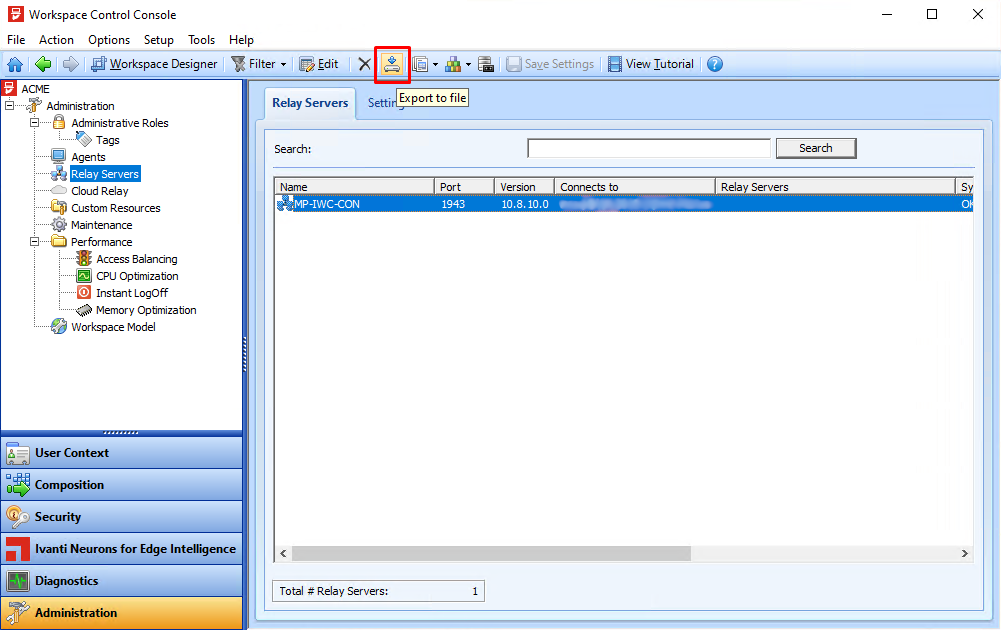
From the main toolbar, select the
 (Export to file) button.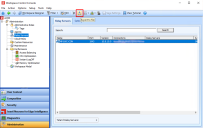
-
-
In the Export to file window, select a location where to save the CSV file, enter an appropriate name for the file and then select Save.