GoldMine Overview
NOTE: You can access the classic GoldMine menu configuration by selecting Tools > Options.Then, click the System tab and select the checkbox for Use classic GoldMine menu.
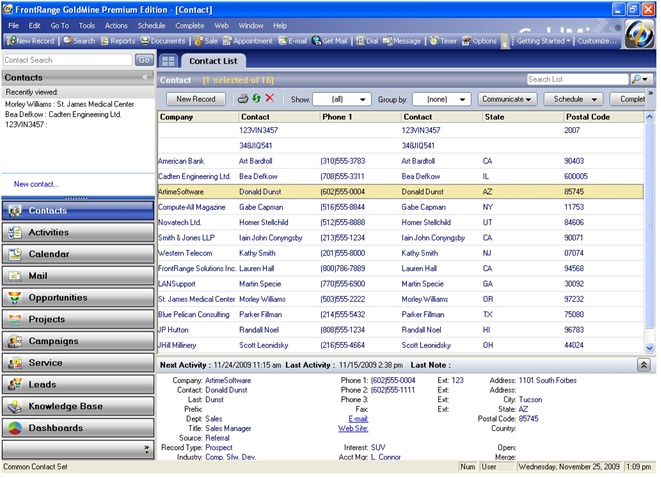
■ Taskbar
NOTE: You can access the classic GoldMine menu configuration by selecting Tools > Options.Then, click the System tab and select the checkbox for Use classic GoldMine menu.
■ Taskbar
