Change Measurement Units for a Report
For your report, you can choose its global Measure Units, which can be either Hundredths of an Inch, or Tenths of a Millimeter.
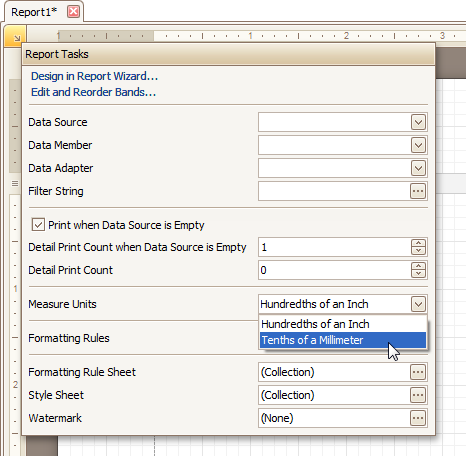
This can be specified either using the report's Smart Tag.
... Or via the Property Grid.
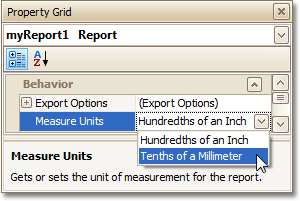
This defines the basic measurement unit for all the unit-related options of a report and its bands and controls (such as location, size, border width, etc.). And, this determines the measurement unit of the report's Snap Grid.